The trip planner we actually use.
Pick a country, your dates and who’s going. It fills in the budget, currency, visa rule and emergency numbers for you, then splits every cost between your group and prints a one-page plan.
Works in Microsoft Excel (best) and Google Sheets. No sign-up needed.
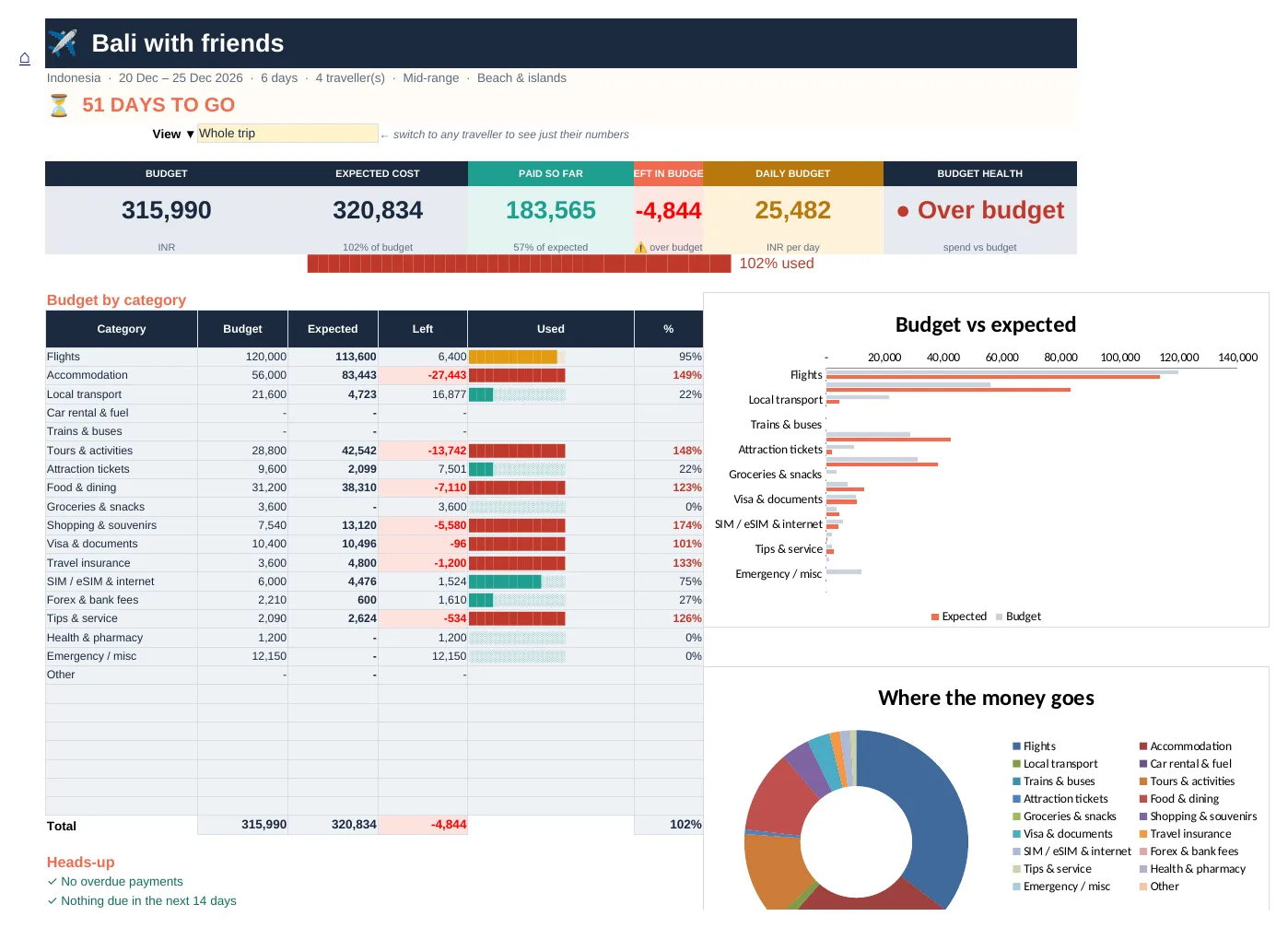
Everything for one trip, in one file
Budget, estimated for you
A starting budget per category from the country, days, travellers and travel style. Change any line.
Expenses in 4 fields
When, category, what, amount. Any currency converts to yours automatically.
Split any way you like
Everyone, a couple or family, one person, or custom shares. Up to 10 people and 5 groups.
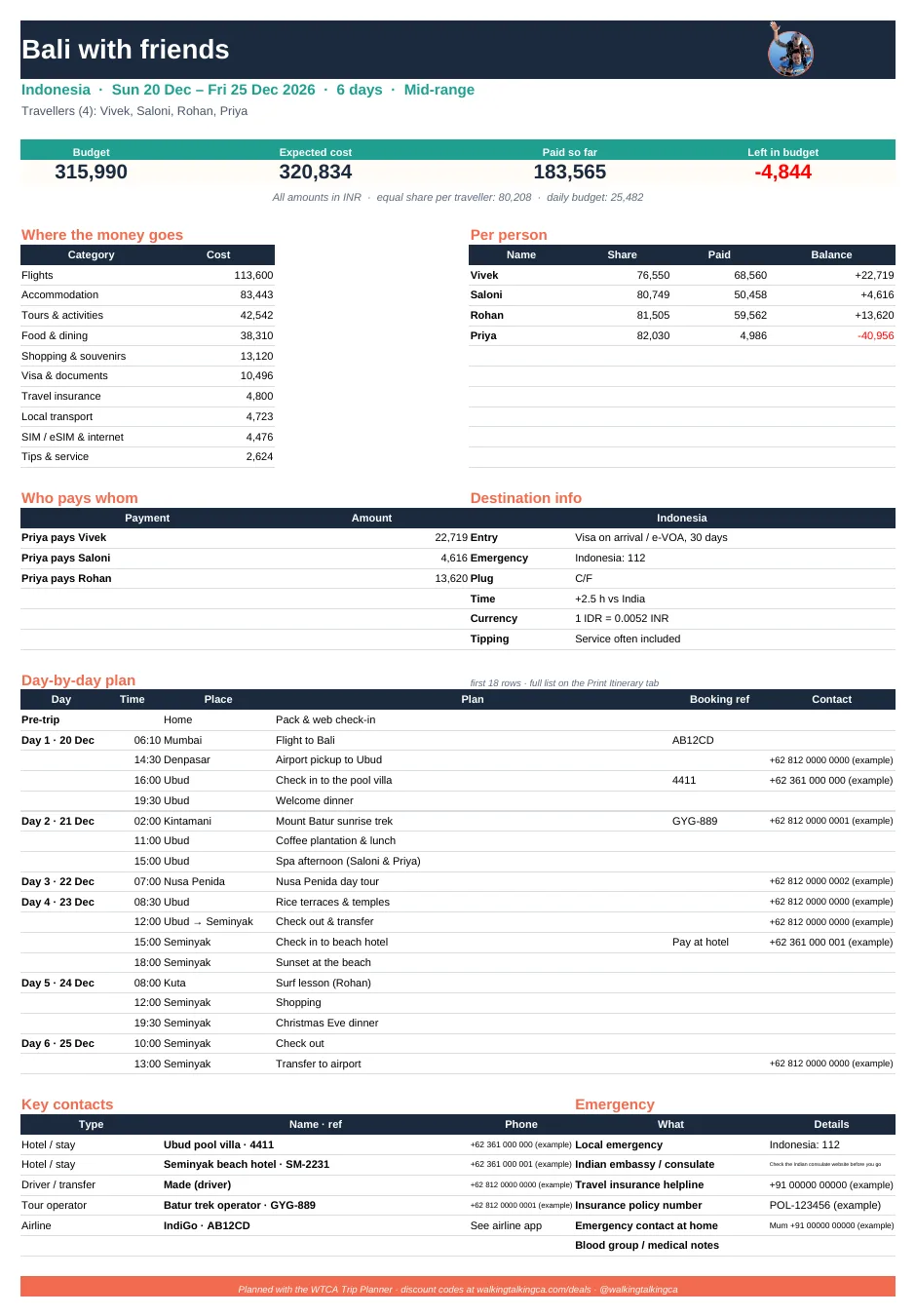
Who pays whom
The fewest payments to settle up at the end, by person or by group.
Day-by-day itinerary
Times, places, booking refs and contacts, sorted for you, plus a “Today” view on the trip.
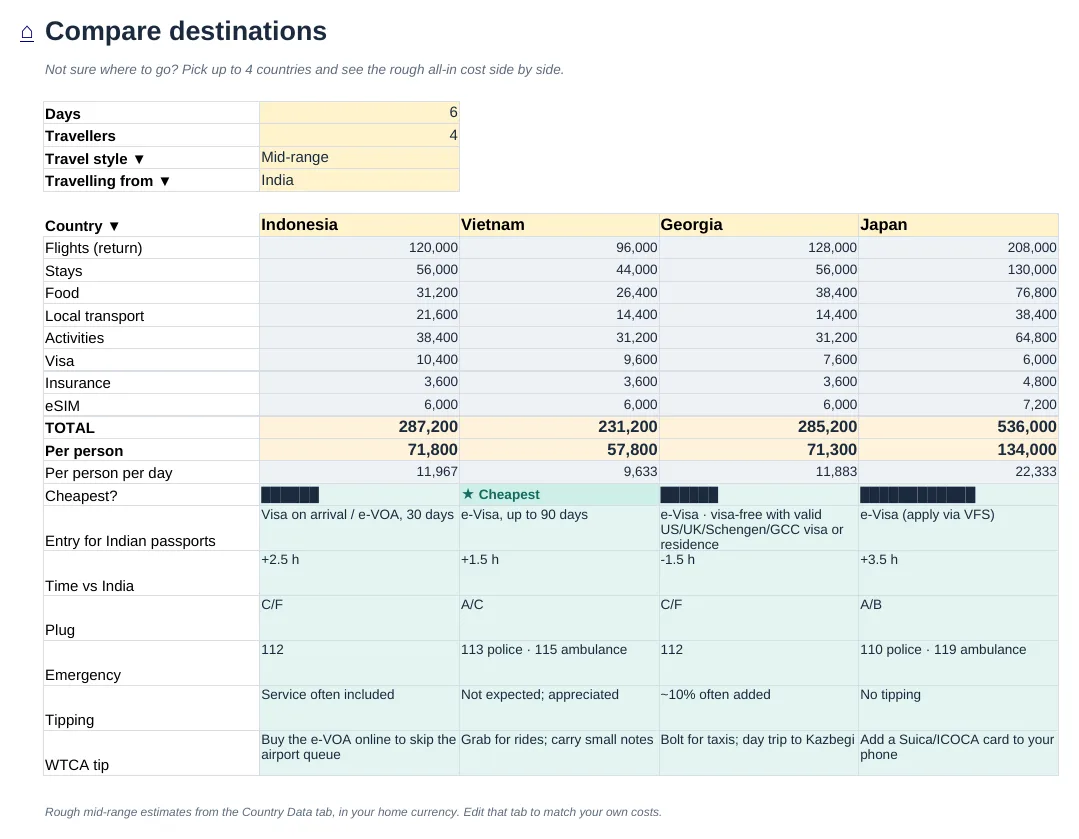
Visa & country info
Entry rule for Indian passports, emergency numbers, plug type and tips for 45 countries.
Checklist & packing
Passport check, to-dos with due dates and a packing list for your trip type.
One-page printout
Money, plan, contacts and emergency info on a single A4 page.
See it before you download
Ready in 3 steps
Set upPick a country, dates and names. The budget and country info fill in.
Add costs as you bookPick who paid and who shares it. Mark it Paid when it’s paid.
Print & goPrint the one-page summary, and settle up with one tap at the end.
Is it really free?
Yes. Download it, use it for as many trips as you like and share it with your travel group.
Do I need to know Excel?
No. Yellow cells are where you type or pick from a list; everything else works it out for you and is locked so nothing breaks.
Does it work in Google Sheets or on my phone?
It works best in Microsoft Excel (desktop or the free Excel app). You can also open it in Google Sheets with File → Import; a few dropdowns may behave slightly differently.
Are the budget estimates accurate?
They’re rough mid-range starting points from our own trips and current exchange rates. Always check prices before you book, and type your own numbers to override any line.
Is my data private?
Yes. The file lives on your computer or your own Google Drive. Nothing is sent to us.
What travellers say
There are no reviews yet. Be the first one to write one.
Save on tours, eSIMs and trains
Our discount codes for GetYourGuide, Airalo, Omio and more are already in the planner, and always up to date on the deals page.
The planner is for planning only. Visa rules, prices and exchange rates change; always confirm with official sources before you travel.